Whether you’re preparing a holiday card collection, branding your handmade soap packaging, or adding personality to your art journal, a stamps maker puts the power of custom design right in your browser. In just a few minutes, you can create a unique rubber stamp that elevates every papercraft project you touch.
- Design Your Custom Rubber Stamp Online
- Add Artwork, Logos & Lettering to Your Stamp
- Popular Ready-Made Rubber Stamp Designs
- Custom Name, Monogram & Business Logo Stamps
- How to Draw & Create Your Own Stamp Design
- Why Use an Online Stamps Maker?
- Ink Pads, Stamp Bodies & Maintenance
- Practical Papercraft Ideas with Custom Stamps
- Getting Started with Our Stamps Maker Today
Design Your Custom Rubber Stamp Online
Designing your own stamp no longer requires expensive software or professional graphic design skills. Modern online stamps maker tools let you build a custom stamp from scratch using intuitive drag-and-drop interfaces, live previews, and simple text editors—all within your web browser.
You can select from standard sizes ranging from 0.25 inches (perfect for tiny gift tag icons) up to 4 inches (ideal for background patterns on journal pages). Common shapes include round, square, rectangle, and oval options, with the ability to see exactly how your imprint will look before you order.
Here’s what makes these tools valuable for papercrafters:
- No software required: Skip Adobe Illustrator or CorelDRAW—everything happens in-browser with click-and-place functionality
- High resolution output: Achieve 600–1000 DPI resolution, ensuring thin lines and delicate calligraphy stamp cleanly on textured cardstock
- Live preview: See your exact imprint before committing, eliminating guesswork on margin spacing and text placement
- Multiple export options: Download designs in different formats or order physical stamps directly
- Time-saving: Create once, stamp hundreds of times with perfect consistency
Concrete papercraft applications include cardmaking, journaling, scrapbooking on top-quality craft paper supplies, handmade gift tags, custom return-address stamps for holiday mailings, and branding inserts for your Etsy shop.
Add Artwork, Logos & Lettering to Your Stamp
The real magic happens when you combine artwork, logos, and hand-lettered text into a cohesive stamp design. Whether you’re creating a focal image for a greeting card or a branding element for your small business, the stamp designer interface makes layering elements intuitive.
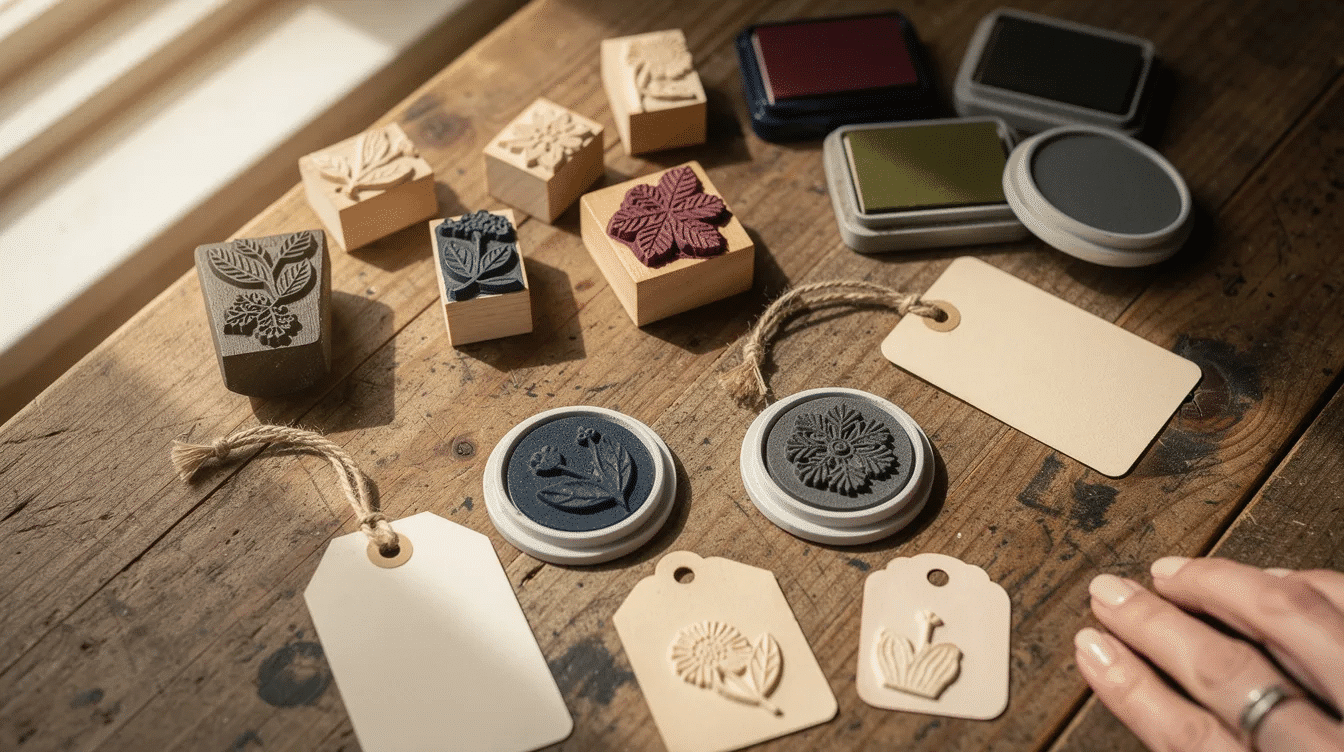
Here’s how to make the most of the artwork tools:
- Decorative flourishes: Add wreaths, floral borders, and icons that work beautifully on card fronts and journal pages
- Logo uploads: Small business owners can upload a simple logo to stamp on kraft boxes, tissue paper, and thank-you inserts
- Hand-drawn illustrations: Scan or photograph your doodles—a coffee cup, cat, or leaf—and turn them into repeatable motifs
- Font mixing: Combine script fonts for names with clean sans-serif for details to create visual hierarchy
- Bold simplicity: Keep designs bold at small sizes (under 1.5 inches) to maintain legibility on watercolor cardstock and textured papers
Upload an Image to the Stamps Maker
- Upload images directly from your computer or device in common formats: PNG, JPG, or the svg vector graphics format
- Ensure artwork is at least 300 DPI at final stamp size (a 2-inch logo needs approximately 600×600 pixels) for a clear impression
- Use black-on-white line art for best results—pale grey lines or heavily shaded photos don’t translate well to rubber engraving
- The interface displays a bounding box showing exactly where your artwork fits within the chosen stamp body
- Build a library of favorite icons like snowflakes, pumpkins, and stars to quickly reuse across seasonal papercraft projects
- Avoid gradients and complex shading since rubber stamps work on a binary principle—ink transfers or it doesn’t
Use Saved Images & Manage Your Library
Most platforms let you access previously uploaded images in a dedicated “My Images” or “Library” area inside the tool.
- Images not used in stamp designs for extended periods (typically 12 months) may be automatically deleted for security and storage efficiency
- Organize artwork into folders like “Christmas 2025,” “Wedding Suite,” or “Hand-Drawn Florals” to speed up future creation
- This approach helps papercraft designers who revisit the same motifs each season for new card and tag collections
- Some platforms offer permanent storage options for premium accounts
Resize & Position Your Stamp Artwork
- Use precise width (W), height (H), and scale controls while preserving aspect ratios by default
- Keep critical text like addresses or business names at least 6–8 pt equivalent on the final imprint for readability
- Center designs for traditional layouts, or try off-center positioning for modern aesthetics—placing a small monogram in the corner of a thank-you card
- Enable the grey outline preview to balance margins and spacing around your artwork
- Print a proof at actual size on plain paper before finalizing a logo or signature stamp for products
- Use the resize function to test how designs look at multiple scales before committing
Add Borders, Frames & Decorative Shapes
- Choose from no border, thin solid line, dotted line, starburst edges, or circular wreath styles
- Simple rectangular borders work well for address stamps; circular wreath borders suit monograms and “handmade with love” seals
- Adjust border weight from 0.5 pt to 3 pt equivalent—thicker lines are more forgiving on textured watercolor paper
- Match the border shape to your stamp body: circle imprints pair naturally with round wooden handles, rectangles with self-inking office stamps
- Preview multiple border styles before selecting, as the visual weight affects the overall layout balance
Popular Ready-Made Rubber Stamp Designs
Not everyone wants to design from scratch. Curated stamp templates offer pre-designed options suited for holidays, everyday papercrafts, and small business packaging—ready to personalize and order.
Each ready-made design is typically available in multiple sizes and can be customized with names, dates, or short phrases. These stamps pair perfectly with standard dye or pigment ink pads for use on greeting cards, scrapbook pages, paper gift bags, and envelopes.
Price ranges typically fall between $8.00 and $18.00, depending on size and complexity.
Holiday & Seasonal Stamp Designs
- Starburst circles: Perfect for “Happy Holidays” messages on card fronts (from $8.00)
- Christmas trees and snowflakes: Ideal for advent calendars, gift wrap, and December card sets
- Reindeer and ornaments: Add whimsy to holiday envelopes and package tags
- Pumpkins and leaves: Essential for October journaling and Halloween party invitations
- Spiders and bats: Fun focal points for spooky season papercrafts (from $9.00)
- Pair seasonal stamps with metallic gold, silver, or white pigment inks for dramatic effects on colored cardstock
These stamps enable you to mass-produce holiday cards with consistent, repeatable impressions—leaving a lasting impression on every recipient.
Nature, Florals & Botanical Stamps
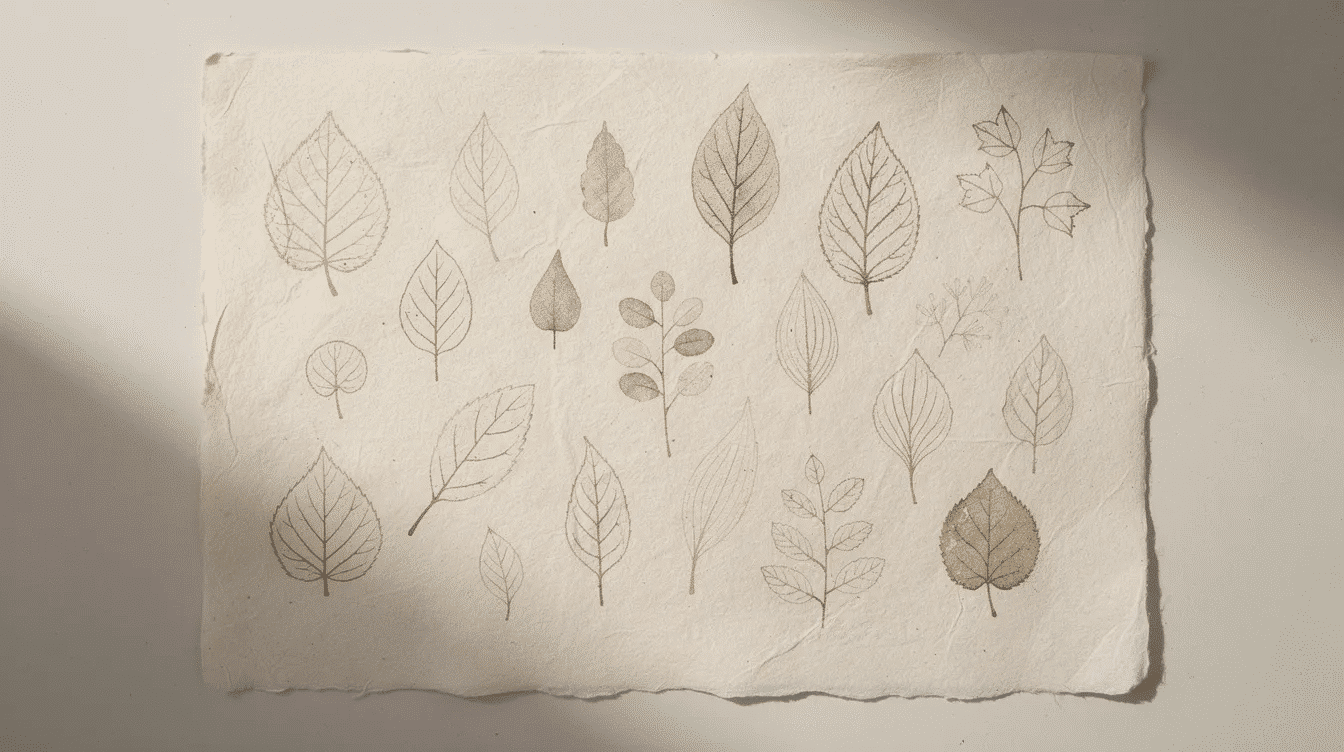
- Leaf varieties: Oak leaves, maple leaves, gingko leaves, and monstera for botanical journals
- Florals: Sunflowers, daisies, and hand-drawn branches for nature-themed scrapbooks
- Acorns and seed pods: Perfect autumn motifs for seasonal notecards
- Price range: Typically $8.00–$16.00 depending on detail level
Mix leaf and floral stamps with watercolor washes, colored pencils, or ink blending techniques to create layered papercraft backgrounds that feel organic and handmade.
Animals, Insects & Whimsical Icons
- Animals: Cats, birds, snakes, and bees work as focal points on card fronts or art journal pages
- Insects: Moths, butterflies, spiders, and bats add visual interest to nature-themed projects
- Whimsical motifs: Smiling suns, hearts, stars, and rainbows suit kids’ crafts, classroom projects, and happy mail envelopes
- Combine animal stamps with hand-lettered sentiments (“sending sunshine,” “you’re purr-fect”) for complete card designs
- These icons work particularly well when stamped in colored inks and layered with watercolor accents
Food, Café & Cozy Home Stamps
- Coffee cups with hearts: Ideal for recipe cards and café-themed journals
- Donuts and pies: Perfect for “baked with love” tags and bakery packaging
- Lemons and strawberries: Fresh motifs for summer cards and kitchen recipe boxes
- Simple house icons: Great for housewarming greeting cards and address labels
Pair these stamps with kraft cardstock, twine, and vellum for a warm, homemade aesthetic. Most designs range from $8.00–$16.00 and work beautifully across various papercraft applications.
Simple Shapes, Patterns & Background Stamps
- Basic shapes: Hearts, stars, circles, diamonds, crosses, and long ovals
- Patterns: Polka dots, moon phases, and geometric designs inspired by retro or Memphis styles
- Build backgrounds: Layer shapes under focal images or add subtle texture to journal pages
- Create custom patterned paper: Use tone-on-tone inks (light grey on white) instead of buying pre-printed pads
- Repeatability: Simple shapes stamp cleanly dozens of times per ink pad application
These versatile stamps form the foundation of any papercrafter’s collection, offering endless creative possibilities.
Custom Name, Monogram & Business Logo Stamps
Custom text stamps serve both avid papercrafters and small business owners who package handmade goods. From simple name stamps to elaborate wreath-style logos, text-based stamps add professionalism and personality to every project.
Popular formats include:
- Simple name stamps for personal correspondence
- Business name stamps for packaging and invoices
- Bookplate “Ex Libris” stamps for craft libraries
- Monogram stamps with 1–3 initials in decorative frames
- Wreath-style logo stamps for brand recognition
Add your shop name, social media handle, or website to create stamps for tissue paper, instruction cards, or the back of greeting cards. High-precision laser engraving preserves fine lettering and calligraphy swashes even at small sizes.
Personal Name & Address Stamps
- Create address stamps featuring first and last names with street, city, state, and ZIP—perfect for everyday envelopes and holiday mailings
- Choose minimalist sans-serif text, elegant script fonts, or mixed uppercase/lowercase for a modern look
- Save time on frequent mailings while maintaining a cohesive, handmade feel across all correspondence
- Select wood-mounted stamps for occasional detailed work or self-inking bodies for high-volume use
- Ideal for wedding invitations, birthday thank-yous, pen-pal letters, and papercraft swaps
Monogram, Ex Libris & Papercraft Library Stamps
- Monogram stamps: Feature 1–3 initials surrounded by wreaths, florals, or geometric frames for personal stationery
- Ex Libris bookplates: Mark craft books, pattern binders, and shared studio tools with your name or studio title
- Custom text options: “From the craft desk of [Name]” or “Handbound by [Name]” for journal makers using textured handmade paper sheets
- Pair with die-cut labels, adhesive paper, or pre-cut cardstock pieces for quick, repeatable embellishments
- These stamps make thoughtful gifts for papercraft enthusiasts who love personalizing their tools
Small Business & Logo Stamps
- Upload your existing logo (pottery studio, farm shop, soap brand, wellness business) to manufacture a custom stamp
- Apply logo stamps to kraft mailers, paper bags, belly bands around notecard sets, and thank-you inserts
- Add social media prompts like “Tag us on Instagram” or local pride text (“Made with love in [City, State]”)
- In-house production with quality checks ensures fine details remain legible on uncoated cardstock and recycled paper
- This branding approach costs far less than custom printing and allows flexibility as your business evolves
How to Draw & Create Your Own Stamp Design
Want something truly original? You can sketch your own stamp layout—round, oval, rectangular, or triangular—and bring it into the stamps maker in about five minutes. This route is perfect for papercraft artists who want hand-drawn motifs that no one else has.
Key considerations for hand-drawn stamp designs:
- Keep designs bold and simplified with clear outlines
- Minimize tiny details, especially for stamps under 1.5 inches
- The process covers sketching, digitizing (scanning or photographing), adjusting in the online editor, and finalizing
- Thicker lines (at least 0.5 pt) ensure clean impressions on textured papers
- Test your design at actual size before ordering to catch any legibility issues
Short Video Lessons & Tutorials
- Lesson 1 (about 3 minutes): How to insert digital stamps into PDF or Word document files using text wrapping
- Lesson 2 (about 5 minutes): Sketching a simple circular “handmade with love” stamp on paper and photographing it with a phone—perfect for vintage-inspired paper craft designs
- Lesson 3 (about 4 minutes): Cleaning up hand-drawn artwork for rubber engraving in the online editor
- Lesson 4 (about 5 minutes): Stamping techniques for consistent placement on gift tags and journal cards
These tutorials link directly from the stamps maker interface so you can learn while designing—no need to wait or search separately.
Free Online Custom Stamp Templates
- Pre-built template options include round, square, and triangular stamps with editable text and placeholder icons
- Adjust fonts, swap icons (leaf to heart, star to sun), and customize spacing to match your vision
- Download proofs in common formats: PNG, svg, PDF, or eps for professional production
- Templates accelerate creation of wedding address stamps, notary-style seals, shop branding, and creative invitation card designs
- Look for templates labeled specifically for card backs, planner headers, and handmade “from” labels
Some export formats may require a premium account, while basic PNG downloads are typically free.
Why Use an Online Stamps Maker?
The advantages of online stamp creation extend beyond convenience. Speed, ease of use, instant previews, and no software requirements make these tools accessible to crafters at every skill level.
- Experiment freely: Try multiple layouts, fonts, and icons without paying for each iteration—perfect for refining a logo or monogram before committing
- Multiple output options: Download finished designs as vector files for professional production or order physical rubber stamps directly
- Account management: Save layouts and return to tweak them before big events like weddings, craft fairs, or holiday card seasons
- Cross-device access: Design on your computer at your desk or make quick edits from your phone while shopping for supplies
- No software learning curve: Start creating immediately without mastering complex programs
Digital Stamps & Where You Can Use Them
In addition to physical rubber stamps, you can download digital versions for use in documents and printables.
- Professional applications: Certificates, invoices, digital letterheads, and document authentication in medical, education, and real estate contexts
- Papercraft hybrid projects: Digital layouts printed and embellished by hand with physical stamping on top, using a variety of creative things to print on paper
- Pattern design: Create repeatable motifs for printable paper collections and mockups
- Label creation: Printable labels for jars, packages, and organizational systems
- File compatibility: Most programs accept standard formats like PNG with transparent background, PDF, and svg format for maximum flexibility
Combine digital stamping in layout software with physical stamping for added dimension on cards and scrapbook pages.
Fast Custom Imprints with Clear Impressions
- High-contrast layouts produce sharp impressions on smooth cardstock and lightweight office paper
- Choose your preferred stamp body type: self-inking for high-volume use, pre-inked for no-pad convenience, or wood-mounted for precise papercraft applications
- Fast shipping options include same-day or next-day production for time-sensitive branding and event projects
- Clear imprints matter most when stamping fine print like URLs, social media handles, and detailed decorative borders
- Quality manufacturing ensures consistent results across thousands of impressions
Ink Pads, Stamp Bodies & Maintenance
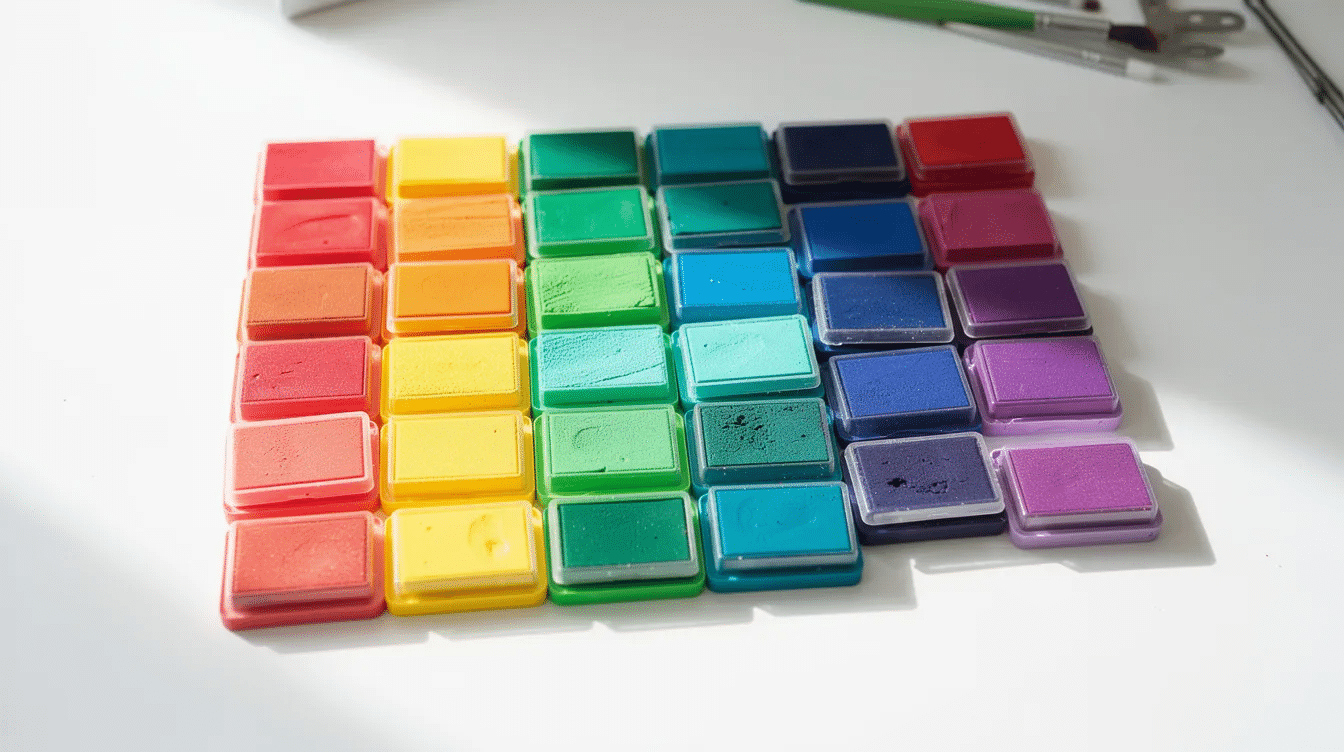
Understanding stamp mounts and ink types helps you make informed choices for your papercraft projects.
Stamp body types: | Type | Best For | Pros | Cons | |——|———-|——|——| | Wood-mounted | Detailed papercraft stamping | Precise control, traditional feel | Requires separate ink pad | | Self-inking | High-volume addressing, packaging | Fast, built-in ink | Less control over pressure | | Pre-inked | Glossy surfaces, quick tasks | No pad needed | Limited color options |
Compatible ink types:
- Dye-based inks: Fast-drying, ideal for layering and blending techniques
- Pigment inks: Rich opacity, perfect for heat embossing stamped designs
- Solvent-based inks (like StazOn-type): Permanent on glossy, non-porous surfaces and vellum
Papercraft projects often require multiple ink types in your collection for different effects and surfaces.
Replacing Rubber Text or Dies on Self-Inking Stamps
Follow these steps to replace the die on a self-inking stamp:
- Press down slightly on the stamp mechanism to expose the die area
- Lock the stamp in the pressed position using the side tabs
- Slide out the ink pad cartridge and set aside
- Carefully remove the old rubber die, wearing gloves to avoid ink transfer
- Dab away excess ink with tissue before handling
- Align the new die squarely with the base for level imprints
- Replace the ink pad and release the lock mechanism
- Test on scrap paper before using on final projects
Replacing the die extends the life of your stamp body and lets you update an address or logo without buying an entirely new unit—a mistake many customers make unnecessarily.
Solving Common Print & Background Issues
- Black background appearing: PNG files with transparent backgrounds may display with a black background in some preview programs—the transparency is still intact
- Verification method: Open the file in multiple programs or insert into a Word document to confirm true transparency
- Preview vs. reality: Some viewing environments show placeholder backgrounds that won’t appear when printing on paper
- File management: Save both a working file and a flattened version to avoid confusion when moving between applications
- Bitmap format concerns: If you see pixelation, check that you’re working with high resolution source files or use the vector format option instead
Practical Papercraft Ideas with Custom Stamps
Custom stamps belong in every papercrafter’s toolkit, adding personality, repetition, and visual cohesion across projects. One well-designed stamp can unify an entire collection.
Project ideas to try:
- A 2026 holiday card set with matching stamped return addresses
- A mini travel journal with stamped page headers and date markers that can become meaningful paper gifts for any occasion
- A wedding invitation suite with monogram stamps on every piece
- “Thank you for supporting handmade” tags for your shop orders, which pair well with paper crafts that sell well online and at fairs
- Seasonal gift wrap with stamped kraft paper, coordinating tags, and birthday decoration paper elements
Combine stamped images with other techniques: die-cutting, heat embossing, ink blending, collage, and washi tape for layered, professional-looking results.
Batch-Making Cards, Tags & Journals
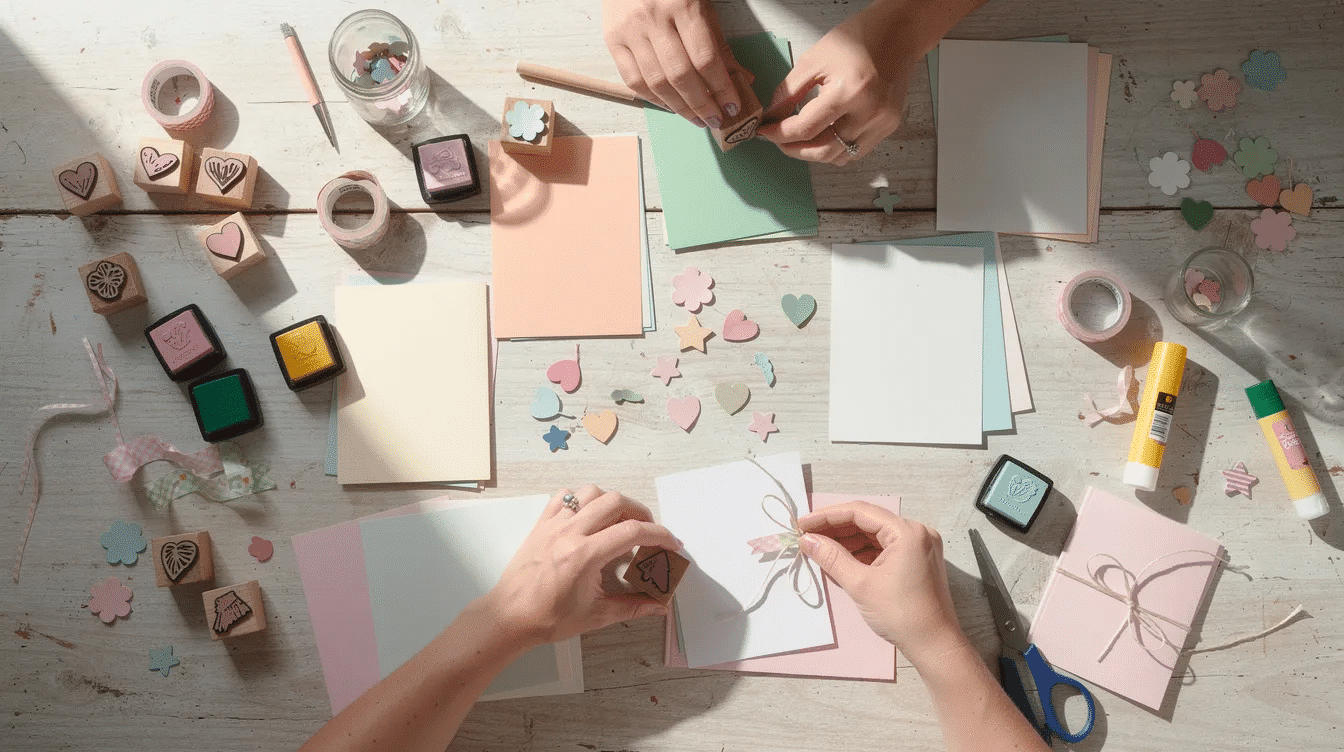
A single custom stamp dramatically speeds up production when you’re making 20–50 cards or tags for markets, holidays, or events.
- Assembly-line approach: Cut card bases → stamp focal images → add color → attach embellishments
- Consistent placement: Use a stamp platform or positioning tool for identical results across dozens of pieces
- Time blocking: Set aside an afternoon in October to stamp all holiday tags at once
- Reduced repetition: Stamps eliminate handwriting the same phrase repeatedly—your wrist will thank you
- Satisfied customers appreciate the professional consistency that stamped products provide
This efficiency lets you spend more time on the creative touches that make each piece special.
Branding Your Handmade Papercraft Shop
Custom stamps offer low-cost, flexible branding for online shops and craft-fair stalls.
- Coordinate a set: Logo stamp, social media handle, and a gratitude message like “Thank you for supporting handmade”
- Consistent application: Stamp in the same positions on backing cards, kraft envelopes, tissue wraps, and thank-you notes
- Brand palette: Choose ink colors that match your existing brand for cohesive presentation
- Flexibility: Unlike custom printing, stamps adapt easily when you update your logo or contact information
- Protection against counterfeiting: Original stamp designs offer subtle security for your brand identity
This approach works especially well for evolving businesses with small production runs across stickers, prints, notebooks, and card sets.
Getting Started with Our Stamps Maker Today
Creating your first stamp takes less than ten minutes. Open the stamps maker tool, choose a basic shape, and watch your design come to life.
Basic steps:
- Pick your size (start with 1–2 inches for versatility) and shape
- Add text or upload existing artwork
- Adjust layout, spacing, and borders using the visual editor
- Preview your design at actual size
- Order a physical stamp or download digital files for immediate use
For beginners: Start with a simple “Handmade by [Name]” stamp for your papercrafts. Once you’re comfortable with the process, upgrade to more complex logo or monogram stamps.
Try this challenge: Create one stamp and use it on a small batch of 2026 birthday cards. Experience firsthand how much a custom stamp streamlines your creative life and workflow.
Your papercraft projects deserve that personal touch—and every lasting impression starts with your first design. Open the stamps maker and create something uniquely yours today.