Want a weekend project that is creative, useful, and fun? Here is how to make your own coloring book from an idea, a few drawings, or a favorite photograph, then turn it into clean print ready files.
Key Takeaways
- Anyone can create a custom coloring book at home in a weekend with basic tools: a sketchbook, scanner, phone, Word, Canva, or free design software.
- The process is simple: pick a theme and audience, draw or legally source artwork, scan and clean images, build the layout, choose paper type, then print and bind.
- Adult coloring books need thicker paper and more detailed line art; kids’ books work best with bold shapes, thick outlines, and fewer tiny elements.
- You can make one order as a personal gift, or prepare a polished pdf to upload, submit, and sell through print-on-demand.
- This guide includes real specs: 8″×10″ or 8.5″×11″, 24–50 interior pages, 300 DPI scans, safe margins, bleed, and paper choices.
Why Make Your Own Coloring Book?
Adult coloring books became huge around 2015–2016 as people used coloring to relieve stress and unplug from daily life. Nielsen reported that U.S. coloring book sales jumped from about 1 million units in 2014 to 12 million in 2015. A custom coloring book gives you something store-bought books cannot: your own theme, artwork, paper, difficulty level, and binding.
Use it for:
- A family gift for Christmas 2026 or other personalized paper gift occasions.
- Wedding favors showing the couple’s story.
- A business giveaway made from office illustrations.
A home-printed booklet is great for gifts. You can also test your concepts by sharing free printable coloring pages for all ages. A print-ready file is better if you want competitive pricing, repeat orders, and a product you can sell.
Step 1: Choose a Theme and Audience
Your theme shapes everything.
It affects page count.
It affects style.
It affects paper.
Good ideas include animals, flowers, abstract designs, cozy interiors, fantasy creatures, 1990s nostalgia, cityscapes of New York, London, or Tokyo, and a “Family Pets 2020–2025” coloring book. Browsing drawing ideas for every skill level can also spark themes and page concepts. Selecting a theme for your coloring book can help create a cohesive feel instead of a random stack of pages.
Think about ages and dexterity level:
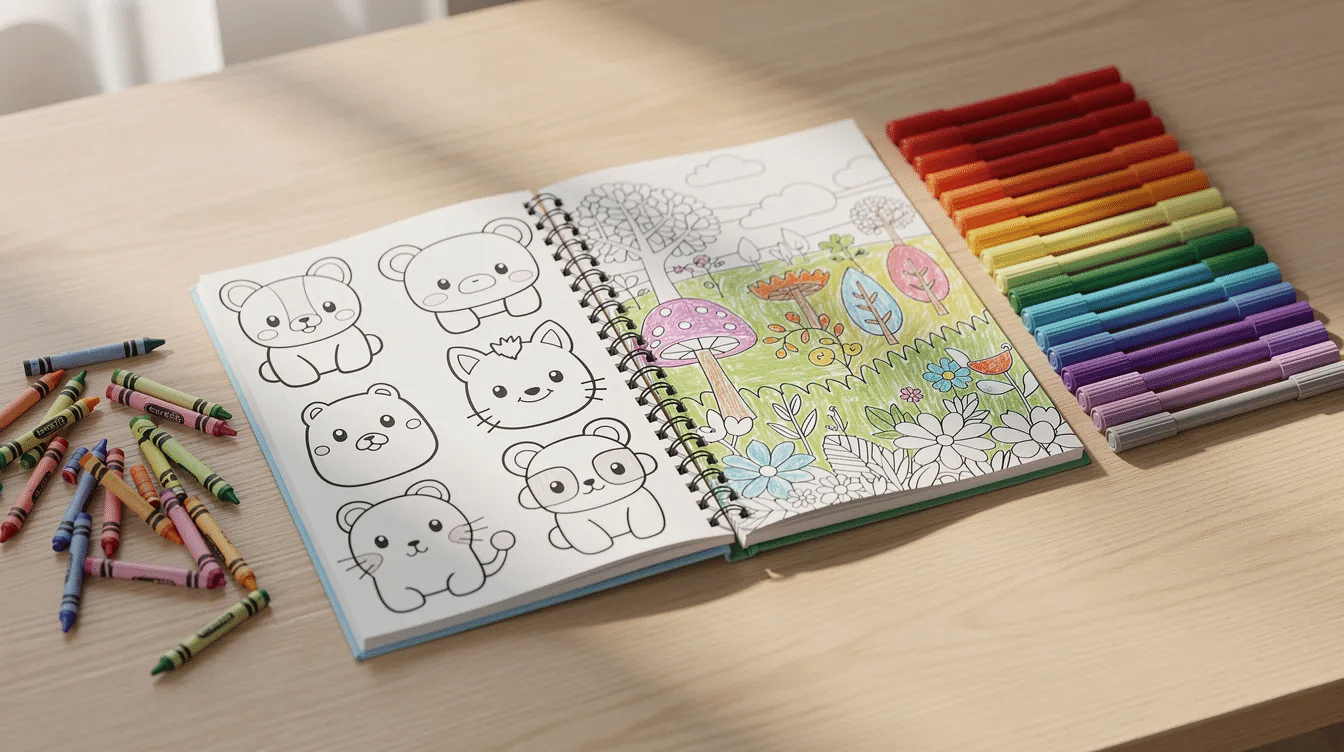
- Kids ages 4–7: big shapes, simple scenes, thick outlines.
- Tweens 8–12: comics, cute characters, jokes, games.
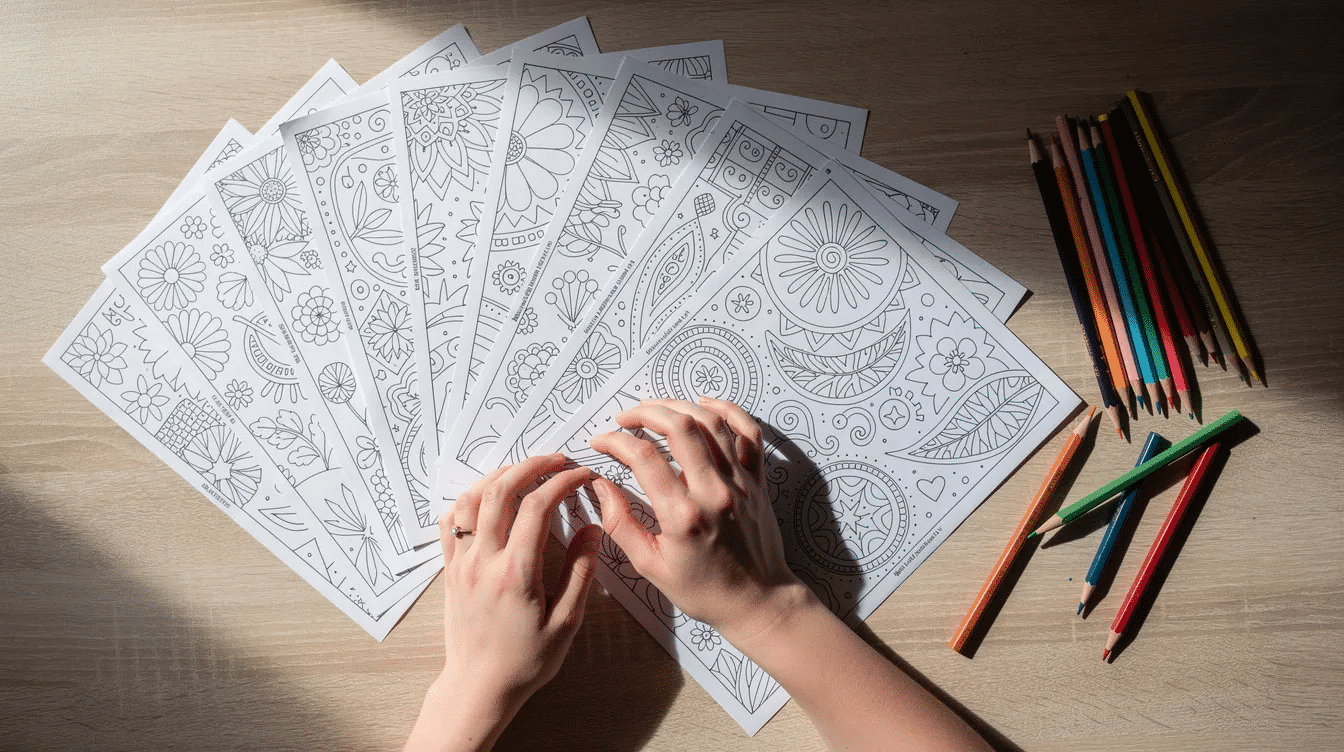
- Adult coloring: intricate patterns, thin lines, mandalas, and fine details.
Using thick, simple outlines is recommended for kids’ coloring pages, while intricate, thin lines are preferred for adults. Also include a mix of broad open spaces and intricate patterns so users do not get bored or overwhelmed.
Before you draw, check what is popular in the Amazon or Etsy search bar in 2026. Do not copy. Just review demand, price, title style, and gaps you can fill with a unique angle.
Step 2: Plan Your Coloring Book Structure
Decide your format before you create the pages. Creating a coloring book involves a structured process of concept development, formatting, layout design, and selecting the right printing method.
Common sizes:
Use | Size |
|---|---|
Standard print-ready book | 8.5″ x 11″ |
Most polished books | 8″ x 10″ portrait |
Home printing | 8.5″ x 11″ US letter |
Travel or pocket book | 5″ x 8″ |
The standard sizing for a print-ready coloring book is 8.5″ x 11″. Adult coloring books often work well at 40–60 pages. Kids’ custom coloring books can be shorter, around 12–24 pages, to keep cost low. |
Single-sided interior pages are best for markers. Single-sided printing prevents marker or ink bleed-through from ruining backing designs in coloring books. The industry standard for coloring books is to format designs to be single-sided or leave a blank page between illustrations. Double-sided pages are fine for crayons and colored pencils if the paper is strong enough.
Plan front matter too:
- Title page
- Dedication
- “How to Use This Coloring Book”
- Test coloring page
- Blank page where needed
Step 3: Create or Source Artwork Legally
Copyright matters.
A lot.
When sourcing artwork for a coloring book, it’s important to ensure that the images are appropriately licensed and not stolen, especially if the book is intended for commercial use.
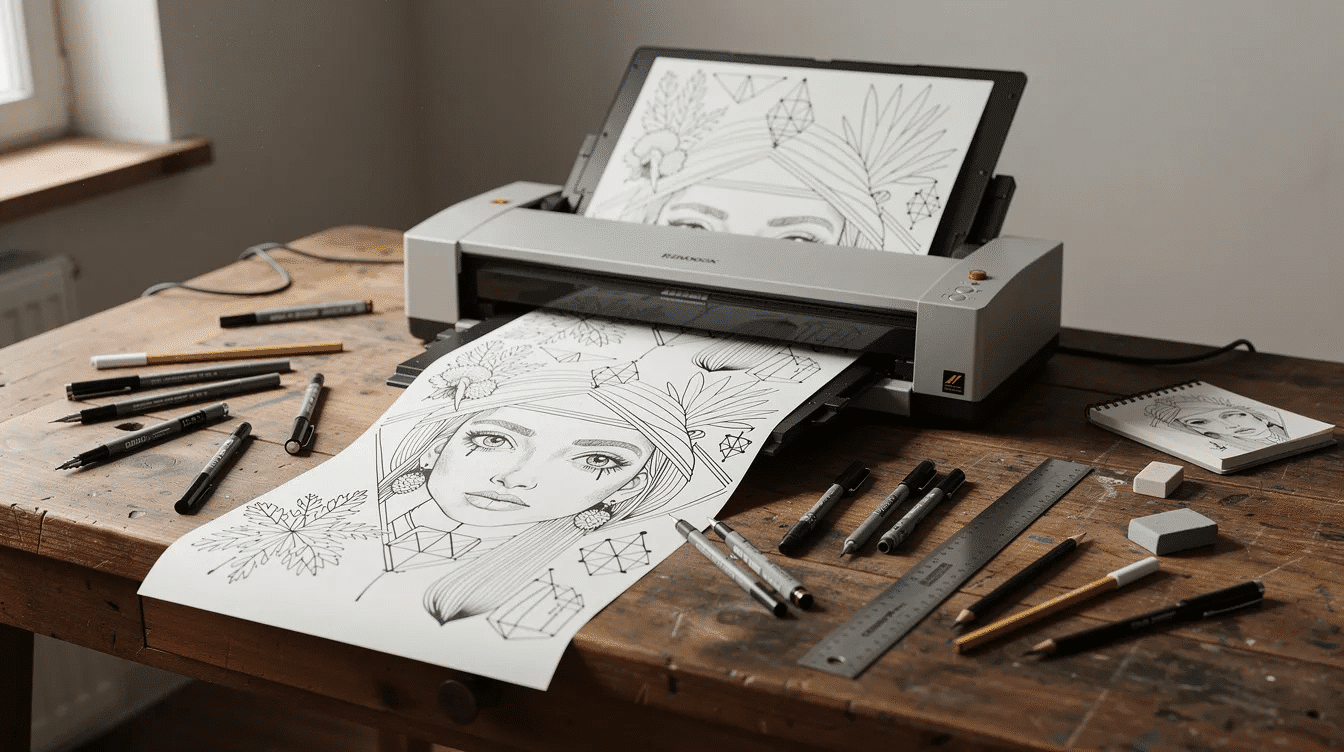
You can draw your own art on smooth white paper or Bristol board. Sketch in pencil first. Then ink with a 0.3–0.8 mm black fineliner. Most coloring books feature black-and-white illustrations, and it’s recommended to use medium or thick black lines for better scanning and printing results, especially if you also plan to turn designs into other creative things to print on paper.
You can also turn a photograph into line art. Print the photo, trace it on a lightbox, or use a digital filter. Then refine the lines by hand so the final artwork is clean.
For sourcing, use reputable stock sites, public domain archives, or Google Images carefully. To find suitable line drawings for coloring books, users can utilize Google Images and refine their search by selecting ‘Usage Rights’ to find images labeled for reuse. Still, check each license. If you plan to sell, the license must accept commercial use.
When saving images for a coloring book, it’s recommended to right-click on the desired image, open it in a new tab for better visibility, and then save it to a designated folder to keep the files organized.
Step 4: Digitize and Clean Your Pages
Scanning turns paper artwork into digital files.
Use these scan settings:
- 300 DPI minimum.
- 600 DPI for detailed adult coloring.
- Grayscale or black and white.
- PNG or TIFF before final export.
In GIMP, Photoshop, Canva, or another editor, increase contrast, adjust levels, erase smudges, and make the lines solid black. Convert gray images to clean black-and-white line art when possible.
Keep all files in one folder. Name them clearly:
- page-01-flowers.png
- page-02-cottage.png
- page-03-mandala.png
This makes layout faster and helps you save time later.
Step 5: Lay Out the Interior Pages
Layout is where your book starts to feel real.
You place images, margins, page numbers, captions, prompts, and blank pages. You can use Word, PowerPoint, Google Slides, Canva, InDesign, or Illustrator.
Use 0.5″ to 0.75″ margins. Leave extra space near the binding area, especially for perfect bound books. Following industry standards for margins and paper weight ensures a professional final product in coloring book production. For print-on-demand, Amazon KDP notes that trim and margin rules matter because cutting can vary slightly; review their print options and requirements.
Simple templates work best:
- One large image centered per page.
- One caption plus one image.
- One fun fact on the facing page for educational books.
When finished, export the interior as one pdf in exact print order. Exporting finished pages as high-resolution (300 DPI) print-ready PDF files is essential for coloring book production. Check every page at 100% zoom before you upload anything.
Step 6: Choose Paper Type and Printing Method
Paper changes the whole experience.
Thin paper feels cheap.
Good paper makes coloring better.
Uncoated paper is commonly used for coloring books as it allows for better coloring without smudging. A minimum of 70lb to 80lb text weight uncoated white paper is recommended for coloring books to avoid smudging. Recycled uncoated paper is also available for coloring books, providing an eco-friendly option for consumers, and broader guides to the best types of paper for crafts can help you match paper to other creative projects too.
Quick guide:
Paper | Best for |
|---|---|
75–90 gsm office paper | drafts and tests |
100–120 gsm uncoated paper | pencils and crayons |
140–160 gsm heavy paper | markers and premium books |
Thick cardstock | covers or marker-heavy books |
Thick cardstock is suggested for coloring books to prevent marker bleed-through. If users will use alcohol markers, print single-sided and tell them to put scrap paper behind the coloring page. |
Printing choices:
- Home printer: fast prototypes and gifts.
- Local print shop: 10–50 copies.
- Print-on-demand: ongoing sales and online orders.
Step 7: Bind and Finish Your Coloring Book
Binding options for coloring books include Paperback Perfect Bound, Spiral, and Smyth Sewn, each offering different durability and usability features.
Here’s the simple version:
- Stapled saddle-stitch: cheap, good for a short folded booklet.
- Spiral binding: lays flat, great for coloring.
- Paperback Perfect Bound: clean bookstore look.
- Smyth Sewn: durable and premium.
For home binding, print pages, stack them, fold if needed, and staple the spine with a long-reach stapler. For a nicer finish, use a comb or spiral machine.
Now design the cover. Use a full color front cover with one strong image, title, subtitle, and author name. Add a back cover with a short blurb, contact info if needed, and barcode space if selling. Leave room for the spine on thicker books. Embed fonts before export.
Finishing touches help:
- “This book belongs to” page.
- Test page for markers.
- Short note from the illustrator.
- A free bonus link or download if you support a bigger creative business.
Step 8: Make It a Custom Coloring Book (Personal or Sellable)
This is where the creativity gets personal.
Add names.
Add dates.
Add inside jokes.
Add real places.
Examples:
- A 2026 wedding book with scenes from the couple’s life.
- A team book with staff caricatures.
- A “My Year in Review 2025” memory book.
- A pet book made from every favorite photograph.
For adult coloring, use layered patterns and detailed line work. For kids, keep shapes chunky and easy to fill.
If selling, prepare print ready files properly: embed fonts, keep margins safe, export CMYK cover files when required, confirm licenses, and keep records. Some platforms may reject files that do not meet size, bleed, or quality rules, so wait to order in bulk until you review a proof.
Print one proof copy first.
Color in it.
Throw markers, crayons, and pencils at it.
See what works.
Then adjust the layout, paper, spine, cover, and price before you produce more books.
FAQ
How many pages should my first coloring book have?
Start with 24–40 interior pages. That count gives enough variety without making the process too big. It also keeps printing costs reasonable for gifts, tests, or a first product.
What is the best resolution for coloring book images?
Use 300 DPI at final print size as the minimum. Use 600 DPI for fine adult coloring details. Do not upscale tiny files later; they will look blurry or jagged.
Can I use markers in a home‑printed coloring book?
Yes, but alcohol markers bleed through standard office paper. Print single-sided, place scrap paper behind the page, or upgrade to 100–160 gsm uncoated paper.
Do I need graphic design software to make a coloring book?
No. Design software helps, but it is not required. Many people create books in Word, PowerPoint, Google Slides, or Canva, then export a clean pdf.
Can I sell a coloring book made from public domain or stock images?
Yes, but only if the images are truly public domain or licensed for commercial use. Read every license, keep screenshots, and save a record of permissions in case a marketplace asks questions.
Making your own coloring book is absolutely doable. Start small, draw or source legally, scan cleanly, print one proof, and improve from there.